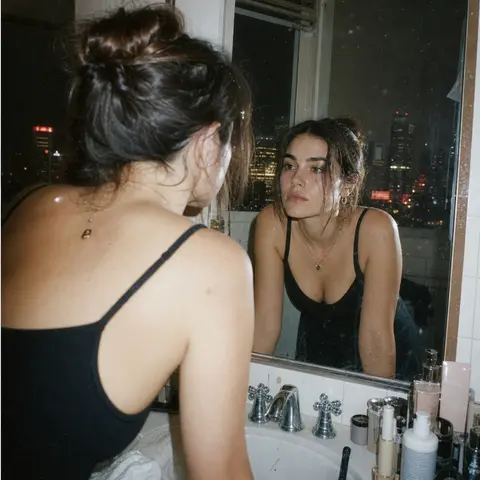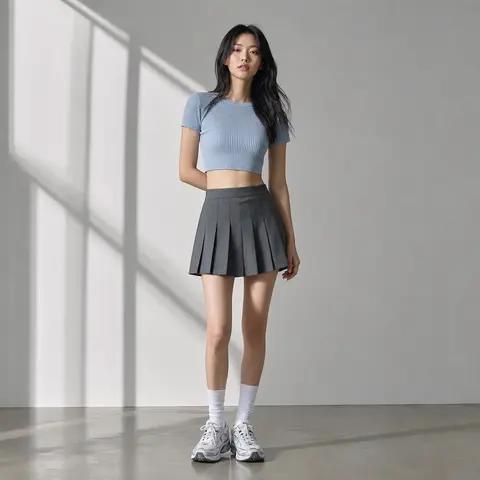
Style Preview
Color Palette
Style Tags
Fashionpremiumportraitfashion
Style context
This template applies a curated dewy beauty magazine cover visual direction to one uploaded reference image. It keeps the workflow simple: choose the style, upload once, and generate without tuning model settings.
Dewy Beauty Magazine Cover keeps the style direction visible while the selected model controls fidelity, speed, and credits.
Continue browsing
Generator guide
See which source images fit Dewy Beauty Magazine Cover, what the template changes, what to review, and when to choose a nearby style instead.
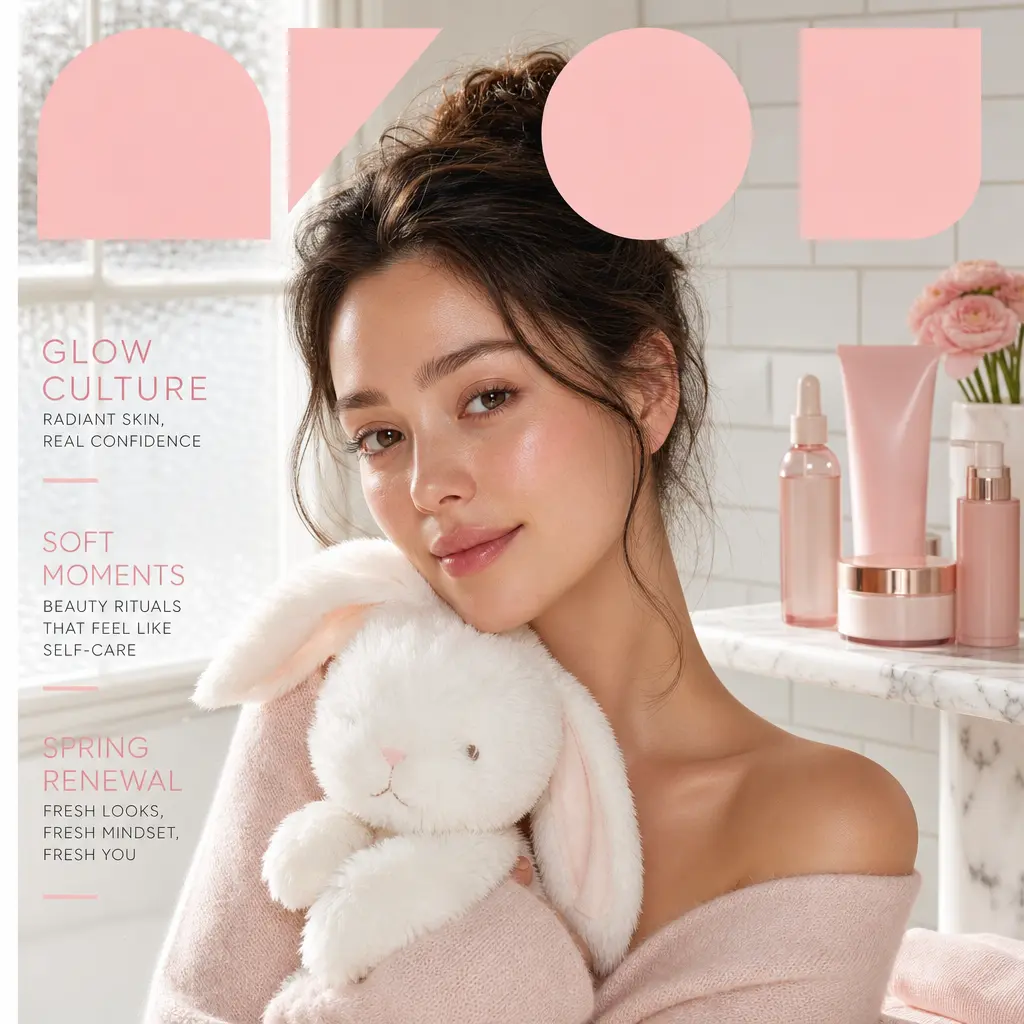
Dewy Beauty Magazine Cover turns one uploaded image into a fashion result for portraits, outfits, creator covers, beauty visuals, and editorial social images. Its intended visual direction is rebuild the uploaded adult subject as a clean beauty cover in a bright minimalist bathroom. Use the preview to judge whether that composition and finish fit the final channel.
Choose a scene with one clear focal subject and enough separation between the important elements. After generation, compare the focal subject, composition hierarchy, and relationships between key scene elements. The premium and pastel treatment still needs to work for portraits, outfits, creator covers, beauty visuals, and editorial social images, not just look attractive in the preview.
Choose this template for portraits, outfits, creator covers, beauty visuals, and editorial social images. Judge its premium and pastel treatment at the intended publishing size, and compare a nearby template if the preview has the wrong crop, subject scale, or amount of redraw.
The model can reinterpret the upload, so the focal subject or relationships between scene elements can change. Compare other fashion templates and nearby styles with a different layout or mood when portraits, outfits, creator covers, beauty visuals, and editorial social images require a different layout, mood, or level of structural preservation, and review important results beside the source before publishing.
Upload a reference image
Choose a scene with one clear focal subject and enough separation between the important elements.
Apply Dewy Beauty Magazine Cover
Generate an image-to-image result while preserving the important subject and composition cues.
Review and continue
Compare the result with the source image, then download it or continue editing the prompt in AI Image Generator.
Dewy Beauty Magazine Cover works best for mixed scenes with a clear main subject. Use a clear image with readable lighting and a stable composition.
It applies rebuild the uploaded adult subject as a clean beauty cover in a bright minimalist bathroom. The upload remains the main reference, but you should compare the main subject, composition hierarchy, and the relationships between important scene elements before publishing the result for dewy Beauty Magazine Cover images for portrait workflows, dewy Beauty Magazine Cover images for fashion workflows, and dewy Beauty Magazine Cover images for fashion visuals workflows.