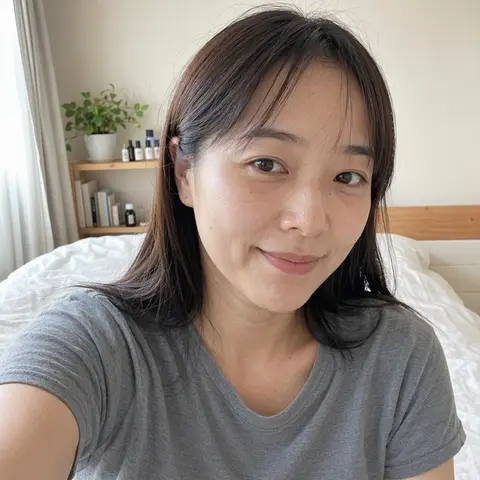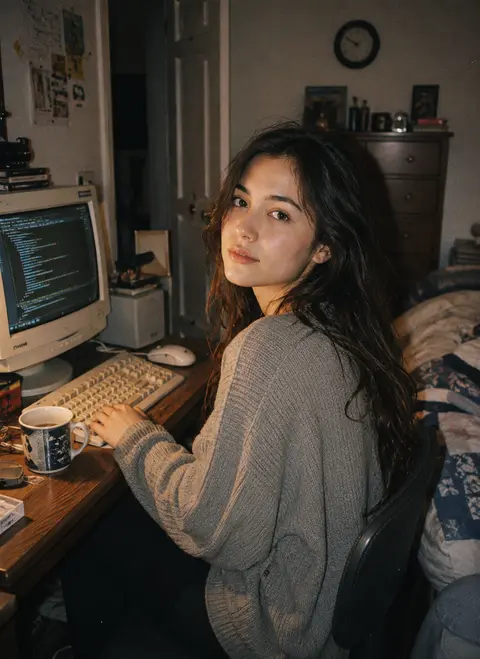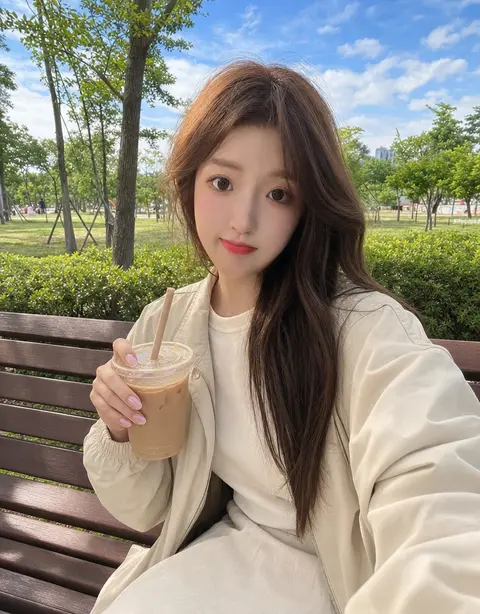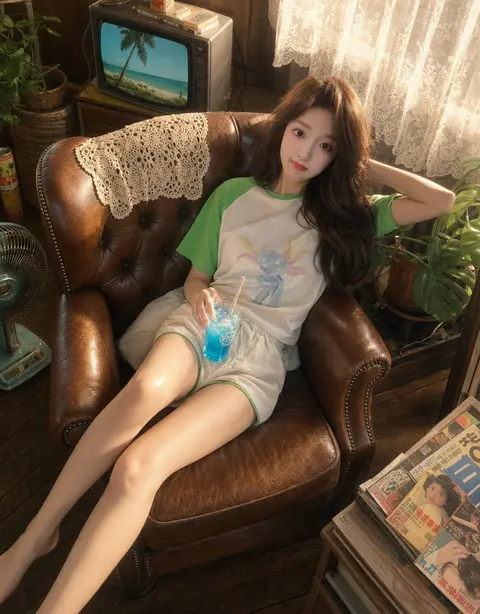
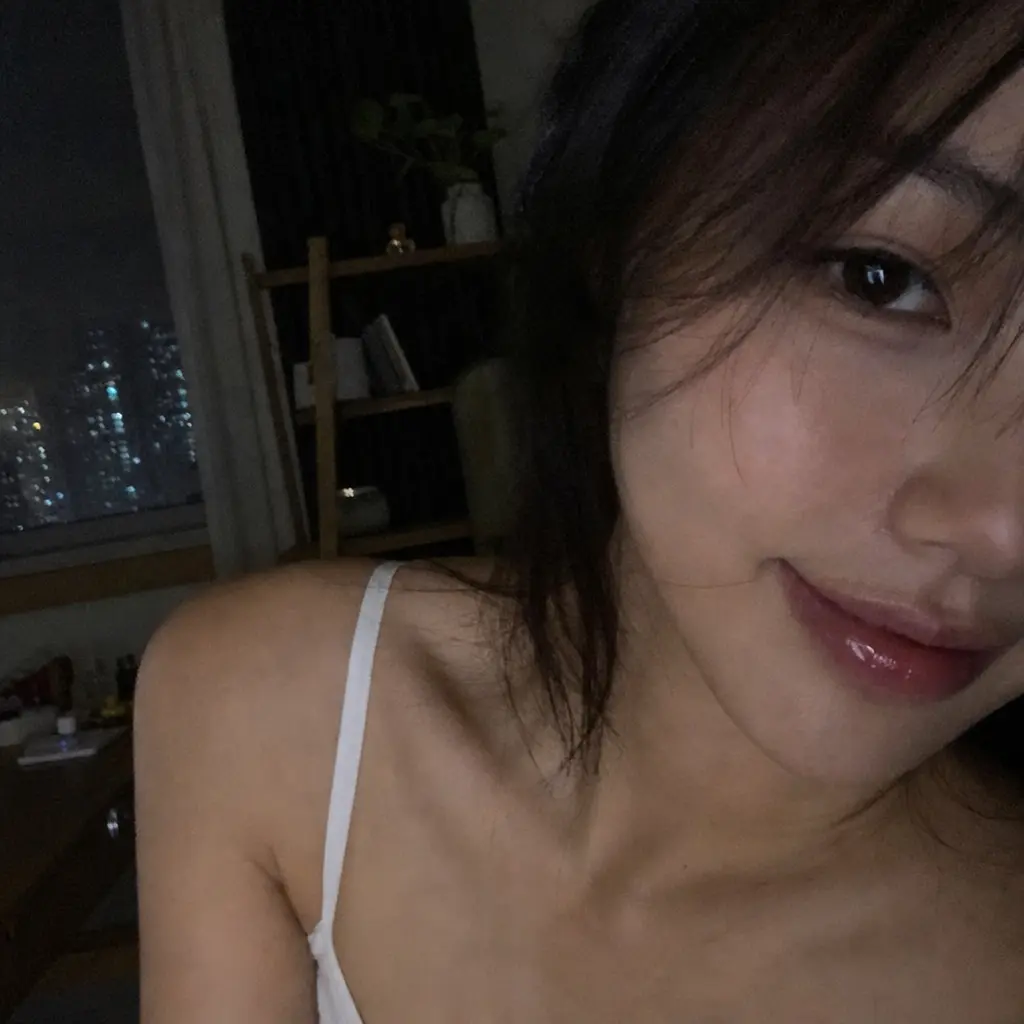
Late Night Phone Selfie AI Image Generator

Portraitportraitprofile1-3 credits

Style Preview

Late Night Phone Selfie AI image style preview for image-to-image generation

Color Palette

Style Tags

Portraitcinematicportraitprofile
1

Upload image

Add one clear reference image.

Sign in to upload and generate

Image generation requires an account and credits. New users get starter credits after signing up.

Model3 credits
Auto retry

Sign in to upload an image and generate with credits.

2

Result preview

Your generated image will appear here.

Your result will appear here

We'll show your generated image here once it's ready.

GPT Image 2

3 credits

Style context

About This Style

This template applies a curated late night phone selfie visual direction to one uploaded reference image. It keeps the workflow simple: choose the style, upload once, and generate without tuning model settings.

Late Night Phone Selfie keeps the style direction visible while the selected model controls fidelity, speed, and credits.

Best Input

  • Upload one clear reference image.
  • Use a source image where the main subject is easy to read.
  • Generate the styled result and download it when the task completes.

Output Style

  • cinematic visual mood
  • blue color direction
  • Locked prompt recipe for consistent portrait outputs

Continue browsing

Similar AI Image Styles

Generator guide

Understand this style before generating

Learn how to use Late Night Phone Selfie AI Generator for Profile portraits, headshots, creator avatars, and personal branding images, what output style to expect, and which related AI style templates to compare.

01

What this generator changes

Late Night Phone Selfie AI Generator applies the Late Night Phone Selfie direction to people and portrait uploads. The template sits in the Portrait category and is designed for Profile portraits, headshots, creator avatars, and personal branding images.

02

Best images for this template

Late Night Phone Selfie AI Generator works best for Late Night Phone Selfie images for portrait workflows, Late Night Phone Selfie images for profile workflows, Late Night Phone Selfie images for portrait visuals workflows. The source image should already communicate the subject clearly so the template can focus on style rather than rebuilding the scene from scratch.

03

How to use Late Night Phone Selfie

To use Late Night Phone Selfie AI Generator, start with one image, check whether the subject matches people and portrait uploads, then open the generator area for this template. The normal workflow is simple: Upload one clear reference image, Use a source image where the main subject is easy to read, Generate the styled result and download it when the task completes.

What this generator changes

Late Night Phone Selfie AI Generator applies the Late Night Phone Selfie direction to people and portrait uploads. The template sits in the Portrait category and is designed for Profile portraits, headshots, creator avatars, and personal branding images.

This generator should not be treated as a generic prompt. Its value is the curated visual recipe: Apply the Late Night Phone Selfie style to uploaded images with a locked image-to-image recipe and curated visual direction.

Best images for this template

Late Night Phone Selfie AI Generator works best for Late Night Phone Selfie images for portrait workflows, Late Night Phone Selfie images for profile workflows, Late Night Phone Selfie images for portrait visuals workflows. The source image should already communicate the subject clearly so the template can focus on style rather than rebuilding the scene from scratch.

For this Portrait template, the safest upload is Profile portraits, headshots, creator avatars, and personal branding images. If the input does not match that subject type, the result can still be interesting, but it may not preserve the detail the user expects.

How to use Late Night Phone Selfie

To use Late Night Phone Selfie AI Generator, start with one image, check whether the subject matches people and portrait uploads, then open the generator area for this template. The normal workflow is simple: Upload one clear reference image, Use a source image where the main subject is easy to read, Generate the styled result and download it when the task completes.

After generation, compare the output with the source. For Late Night Phone Selfie, check whether the result keeps the important structure while applying the expected portrait styling.

Late Night Phone Selfie input tips

This template needs a source image with a readable subject, enough resolution, and a composition that supports Profile portraits, headshots, creator avatars, and personal branding images. The upload should avoid heavy blur, extreme darkness, or a cluttered background that hides the main subject.

Because this is a person template, users should pay attention to people and portrait uploads. That subject assumption is part of the template's search intent and helps the page explain what kind of upload is most likely to work.

Late Night Phone Selfie output style

Late Night Phone Selfie AI Generator is expected to produce a visual direction defined by cinematic visual mood, blue color direction, Locked prompt recipe for consistent portrait outputs. These style DNA notes describe what the result should feel like after the upload is transformed.

A strong output should look intentional, not randomly filtered. It should preserve the source image enough to stay trustworthy while making the final image easier to use for Late Night Phone Selfie images for portrait workflows, Late Night Phone Selfie images for profile workflows, Late Night Phone Selfie images for portrait visuals workflows.

Similar Portrait AI style templates

This generator belongs to the Portrait group, so related pages should help users compare nearby templates before choosing. Similar generators may share subject assumptions but differ in texture, color, layout, or publishing use case.

Internal links from this page should lead back to the AI image style templates library and to related generator pages, so users can move from Late Night Phone Selfie to another template without restarting discovery.

Late Night Phone Selfie FAQ

Late Night Phone Selfie AI Generator is best when the user wants the Late Night Phone Selfie look without writing a long prompt. The upload still matters because the model uses it as the main reference for subject, structure, and composition.

It can be used for Late Night Phone Selfie images for portrait workflows, Late Night Phone Selfie images for profile workflows, Late Night Phone Selfie images for portrait visuals workflows, but the final quality depends on whether the source image matches the template's intended subject and output style.

Late Night Phone Selfie checklist before generating

Before using Late Night Phone Selfie AI Generator, confirm that the source image matches people and portrait uploads, the intended result fits Late Night Phone Selfie images for portrait workflows, Late Night Phone Selfie images for profile workflows, Late Night Phone Selfie images for portrait visuals workflows, and the desired look aligns with cinematic visual mood, blue color direction, Locked prompt recipe for consistent portrait outputs.

The page explains the user intent behind the workflow, the kind of source image that works best, the expected output, and the practical reason a creator would choose this route instead of writing a long prompt from scratch. That added context gives visitors enough detail to compare options before they start a generation.

Good source images usually have a readable subject, enough resolution for the model to understand shape and detail, and a simple composition that does not force the tool to guess what matters. The result is more predictable when the upload already communicates the main person, product, place, or object clearly.

A useful result should feel like the same idea has been translated into a stronger visual direction. The subject should remain understandable, the scene should keep enough continuity to feel trustworthy, and the final image should be easier to use in a profile, campaign, article, product page, or social post.

The content on this page is written for people comparing visual styles before spending credits. It describes what the style changes, what it should preserve, and where the result is most useful, so the page can answer search intent without relying only on a gallery card or a short metadata snippet.

When several templates look similar, the safest choice is to compare input type, output mood, and intended publishing channel. Portrait pages need identity and facial readability. Product pages need shape and package consistency. Travel or place pages need recognizable structure, perspective, and atmosphere.

The page explains the user intent behind the workflow, the kind of source image that works best, the expected output, and the practical reason a creator would choose this route instead of writing a long prompt from scratch. That added context gives visitors enough detail to compare options before they start a generation.