
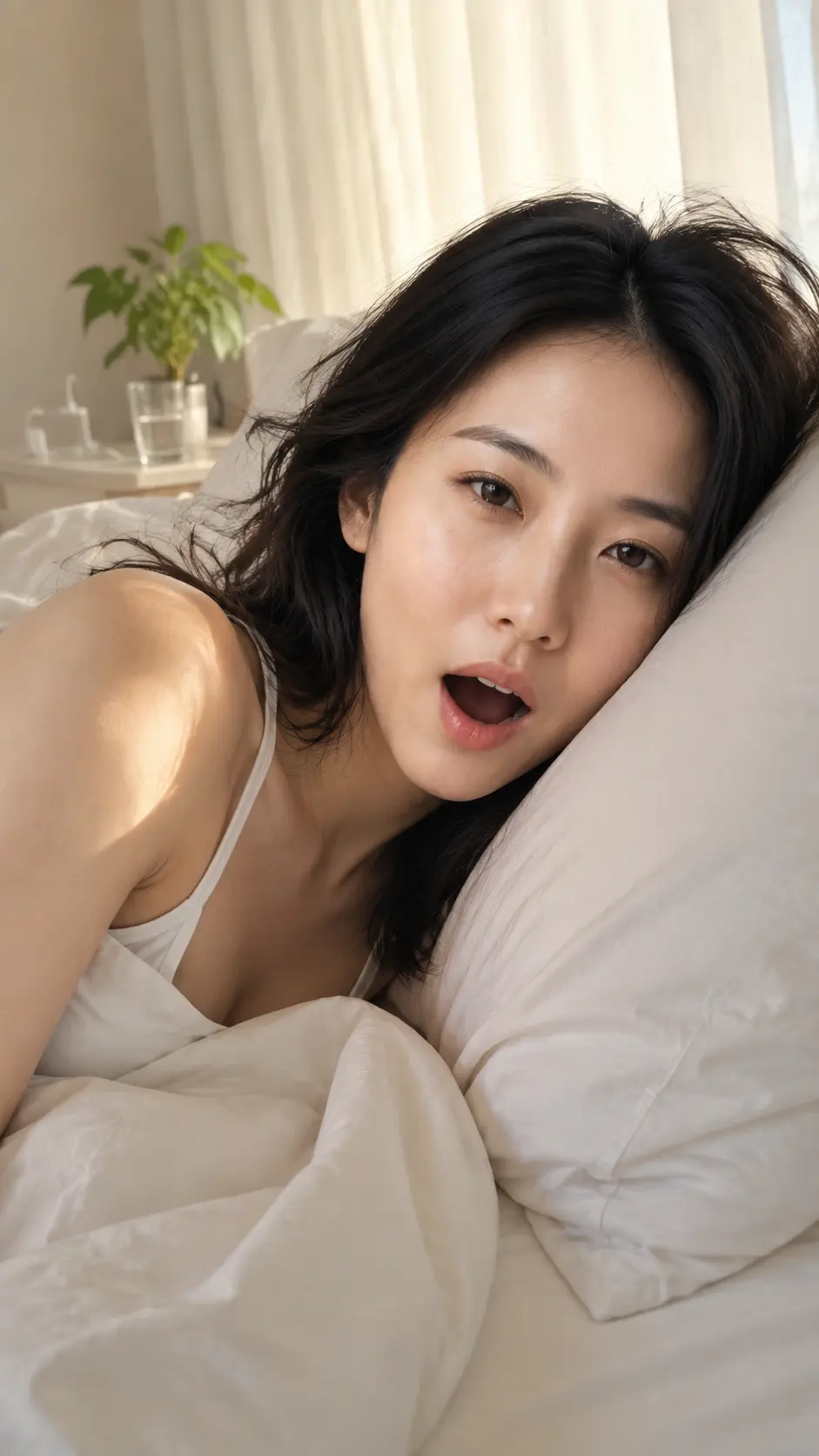
Sunlit Yawn Bedroom Snapshot Generator: Sunlit Yawn Bedroom Snapshot

Photoportraitproduct4 creditsEdit prompt & generate

Style Preview

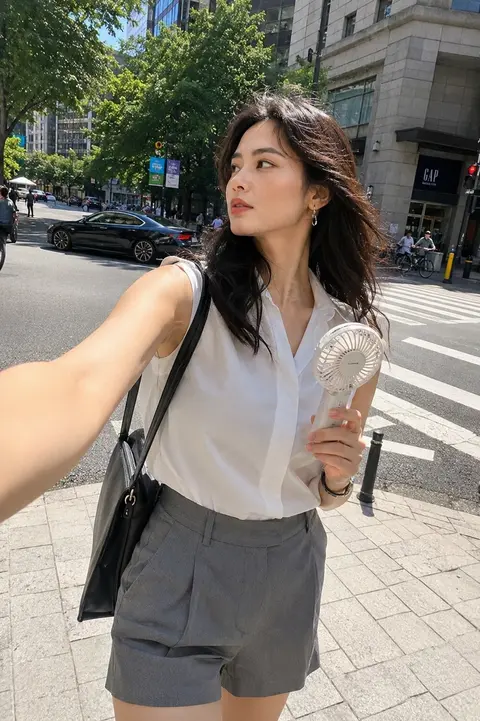
sunlit yawn bedroom snapshot generator preview for Sunlit Yawn Bedroom Snapshot image-to-image generation

Color Palette

Style Tags

Photocinematicportraitproductphoto
1

Upload image

Add one clear reference image.

Sign in to upload and generate

Image generation requires an account and credits. New users get starter credits after signing up.

Model4 credits
Auto retry

Sign in to use credits and keep generation history.

2

Result preview

Your generated image will appear here.

Your result will appear here

We'll show your generated image here once it's ready.

GPT Image 2

4 credits

Style context

About This Style

This template applies a curated sunlit yawn bedroom snapshot visual direction to one uploaded reference image. It keeps the workflow simple: choose the style, upload once, and generate without tuning model settings.

Sunlit Yawn Bedroom Snapshot keeps the style direction visible while the selected model controls fidelity, speed, and credits.

Best Input

  • Upload one clear reference image.
  • Use a source image where the main subject is easy to read.
  • Generate the styled result and download it when the task completes.

Output Style

  • cinematic visual mood
  • neutral color direction
  • Locked prompt recipe for consistent photo outputs

Continue browsing

Similar AI Image Styles

Generator guide

Understand this style before generating

Learn how to use sunlit yawn bedroom snapshot generator for Portraits, lifestyle photos, natural snapshots, and realistic social images, what output style to expect, and which related AI image generator templates to compare.

01

What this generator changes

sunlit yawn bedroom snapshot generator applies the Sunlit Yawn Bedroom Snapshot direction to people and portrait uploads. The template sits in the Photo category and is designed for Portraits, lifestyle photos, natural snapshots, and realistic social images.

02

Best images for this template

sunlit yawn bedroom snapshot generator works best for Sunlit Yawn Bedroom Snapshot images for portrait workflows, Sunlit Yawn Bedroom Snapshot images for product workflows, Sunlit Yawn Bedroom Snapshot images for photo workflows. The source image should already communicate the subject clearly so the template can focus on style rather than rebuilding the scene from scratch.
03

How to use Sunlit Yawn Bedroom Snapshot

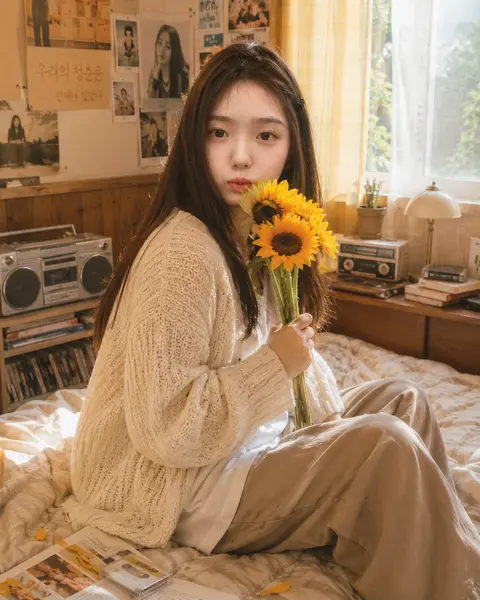
To use sunlit yawn bedroom snapshot generator, start with one image, check whether the subject matches people and portrait uploads, then open the generator area for this template. The normal workflow is simple: Upload one clear reference image, Use a source image where the main subject is easy to read, Generate the styled result and download it when the task completes.

What this generator changes

sunlit yawn bedroom snapshot generator applies the Sunlit Yawn Bedroom Snapshot direction to people and portrait uploads. The template sits in the Photo category and is designed for Portraits, lifestyle photos, natural snapshots, and realistic social images.

This generator should not be treated as a generic prompt. Its value is the curated visual recipe: Natural close smartphone morning snapshot of an adult yawning in white bedding with warm curtain light and unretouched skin.

Best images for this template

sunlit yawn bedroom snapshot generator works best for Sunlit Yawn Bedroom Snapshot images for portrait workflows, Sunlit Yawn Bedroom Snapshot images for product workflows, Sunlit Yawn Bedroom Snapshot images for photo workflows. The source image should already communicate the subject clearly so the template can focus on style rather than rebuilding the scene from scratch.
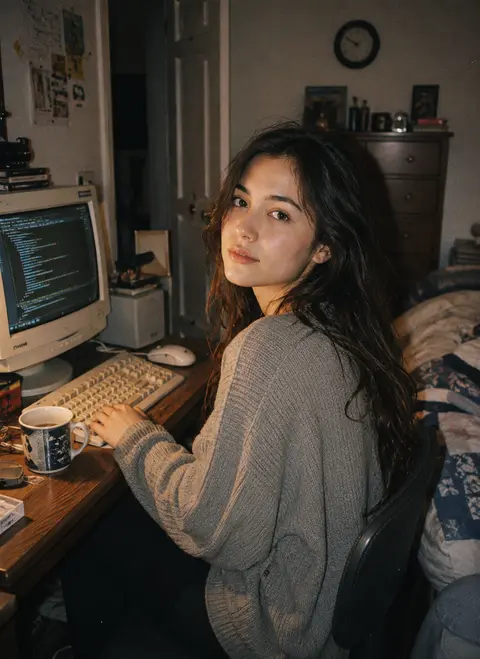
For this Photo template, the safest upload is Portraits, lifestyle photos, natural snapshots, and realistic social images. If the input does not match that subject type, the result can still be interesting, but it may not preserve the detail the user expects.

How to use Sunlit Yawn Bedroom Snapshot

To use sunlit yawn bedroom snapshot generator, start with one image, check whether the subject matches people and portrait uploads, then open the generator area for this template. The normal workflow is simple: Upload one clear reference image, Use a source image where the main subject is easy to read, Generate the styled result and download it when the task completes.

After generation, compare the output with the source. For Sunlit Yawn Bedroom Snapshot, check whether the result keeps the important structure while applying the expected photo styling.

Sunlit Yawn Bedroom Snapshot input tips

This template needs a source image with a readable subject, enough resolution, and a composition that supports Portraits, lifestyle photos, natural snapshots, and realistic social images. The upload should avoid heavy blur, extreme darkness, or a cluttered background that hides the main subject.

Because this is a person template, users should pay attention to people and portrait uploads. That subject assumption is part of the template's search intent and helps the page explain what kind of upload is most likely to work.

Sunlit Yawn Bedroom Snapshot output style

sunlit yawn bedroom snapshot generator is expected to produce a visual direction defined by cinematic visual mood, neutral color direction, Locked prompt recipe for consistent photo outputs. These style DNA notes describe what the result should feel like after the upload is transformed.

A strong output should look intentional, not randomly filtered. It should preserve the source image enough to stay trustworthy while making the final image easier to use for Sunlit Yawn Bedroom Snapshot images for portrait workflows, Sunlit Yawn Bedroom Snapshot images for product workflows, Sunlit Yawn Bedroom Snapshot images for photo workflows.
Similar Photo AI style templates

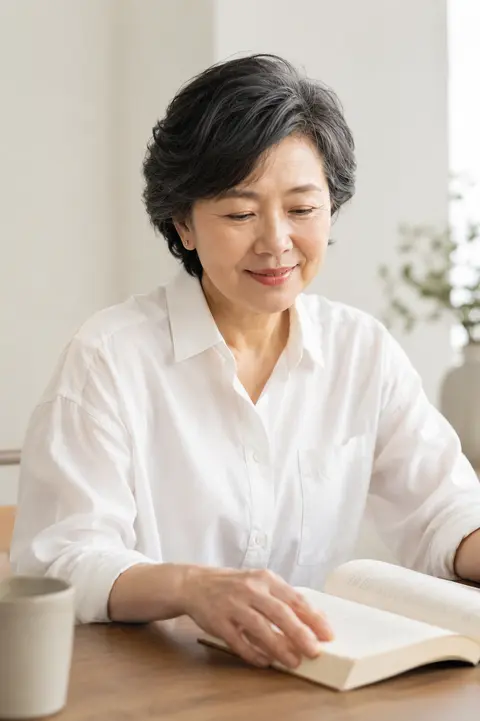
This generator belongs to the Photo group, so related pages should help users compare nearby templates before choosing. Similar generators may share subject assumptions but differ in texture, color, layout, or publishing use case.

Internal links from this page should lead back to the AI image generator templates library and to related generator pages, so users can move from Sunlit Yawn Bedroom Snapshot to another template without restarting discovery.

Sunlit Yawn Bedroom Snapshot FAQ

sunlit yawn bedroom snapshot generator is best when the user wants the Sunlit Yawn Bedroom Snapshot look without writing a long prompt. The upload still matters because the model uses it as the main reference for subject, structure, and composition.

It can be used for Sunlit Yawn Bedroom Snapshot images for portrait workflows, Sunlit Yawn Bedroom Snapshot images for product workflows, Sunlit Yawn Bedroom Snapshot images for photo workflows, but the final quality depends on whether the source image matches the template's intended subject and output style.

Sunlit Yawn Bedroom Snapshot checklist before generating

Before using sunlit yawn bedroom snapshot generator, confirm that the source image matches people and portrait uploads, the intended result fits Sunlit Yawn Bedroom Snapshot images for portrait workflows, Sunlit Yawn Bedroom Snapshot images for product workflows, Sunlit Yawn Bedroom Snapshot images for photo workflows, and the desired look aligns with cinematic visual mood, neutral color direction, Locked prompt recipe for consistent photo outputs.

The page explains the user intent behind the workflow, the kind of source image that works best, the expected output, and the practical reason a creator would choose this route instead of writing a long prompt from scratch. That added context gives visitors enough detail to compare options before they start a generation.

Good source images usually have a readable subject, enough resolution for the model to understand shape and detail, and a simple composition that does not force the tool to guess what matters. The result is more predictable when the upload already communicates the main person, product, place, or object clearly.

A useful result should feel like the same idea has been translated into a stronger visual direction. The subject should remain understandable, the scene should keep enough continuity to feel trustworthy, and the final image should be easier to use in a profile, campaign, article, product page, or social post.

The content on this page is written for people comparing visual styles before spending credits. It describes what the style changes, what it should preserve, and where the result is most useful, so the page can answer search intent without relying only on a gallery card or a short metadata snippet.

When several templates look similar, the safest choice is to compare input type, output mood, and intended publishing channel. Portrait pages need identity and facial readability. Product pages need shape and package consistency. Travel or place pages need recognizable structure, perspective, and atmosphere.

The page explains the user intent behind the workflow, the kind of source image that works best, the expected output, and the practical reason a creator would choose this route instead of writing a long prompt from scratch. That added context gives visitors enough detail to compare options before they start a generation.

How to generate

  1. 1

    Upload a reference image

    Choose a clear image that matches people and portrait uploads.

  2. 2

    Apply Sunlit Yawn Bedroom Snapshot

    Generate an image-to-image result while preserving the important subject and composition cues.

  3. 3

    Review and continue

    Compare the result with the source image, then download it or continue editing the prompt in AI Image Generator.

FAQ

What images work best for Sunlit Yawn Bedroom Snapshot?

Sunlit Yawn Bedroom Snapshot works best for people and portrait uploads with a clear subject, readable lighting, and a stable composition.

What can I create with Sunlit Yawn Bedroom Snapshot?

This template is useful for Sunlit Yawn Bedroom Snapshot images for portrait workflows, Sunlit Yawn Bedroom Snapshot images for product workflows, Sunlit Yawn Bedroom Snapshot images for photo workflows. Choose it when those publishing jobs match the result you want.
Will Sunlit Yawn Bedroom Snapshot keep my original image?

The uploaded image stays the main reference. The generator aims to preserve important subject and structure cues while applying cinematic visual mood, neutral color direction, Locked prompt recipe for consistent photo outputs.