

321 results from 321 stylesGallery


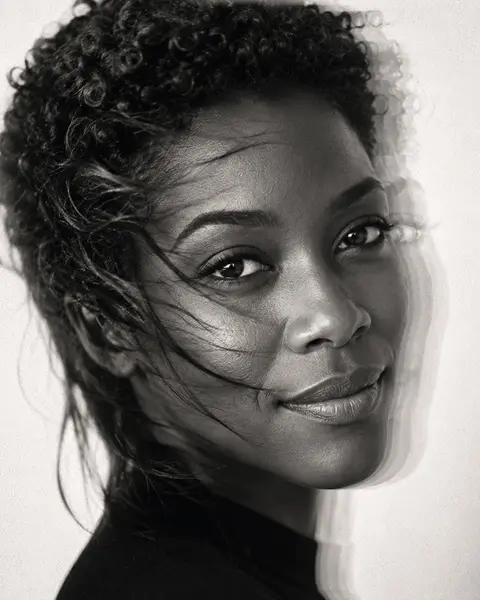


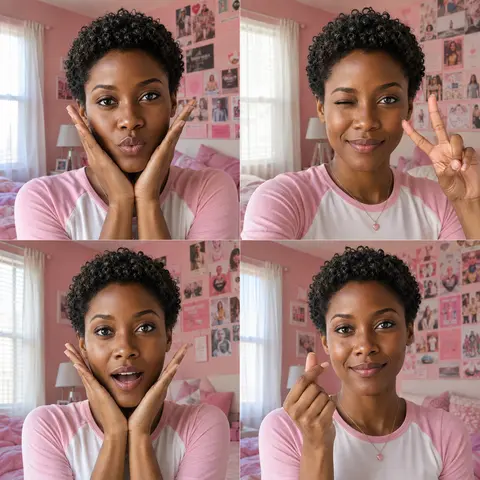
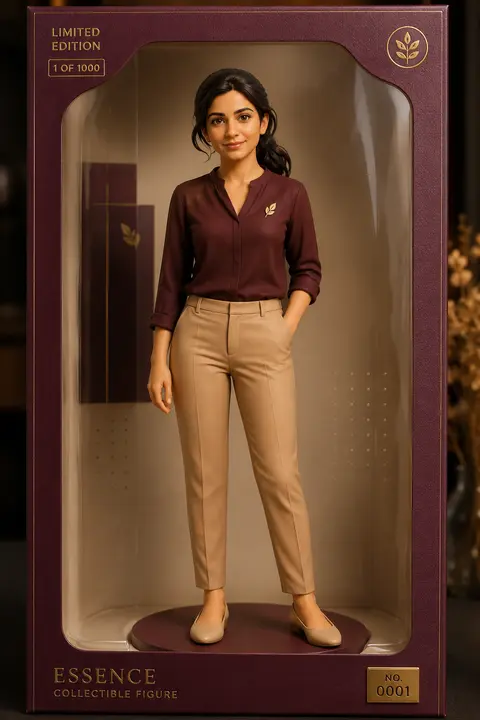

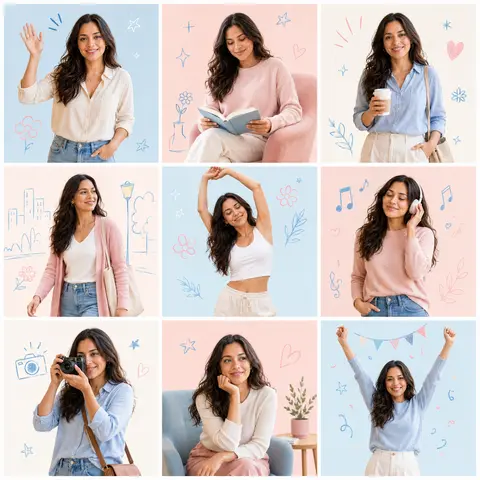


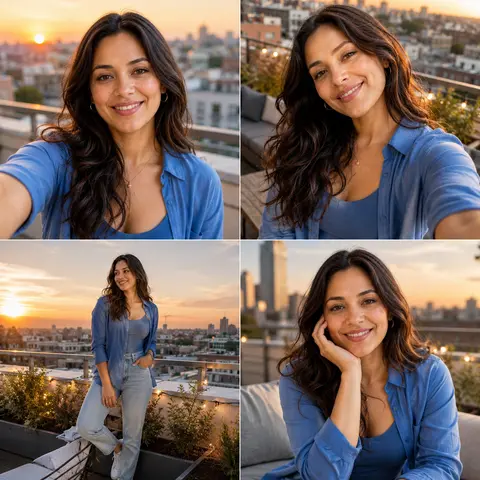
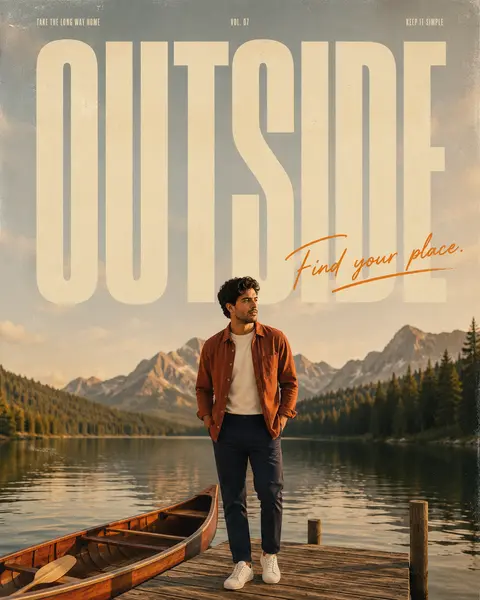
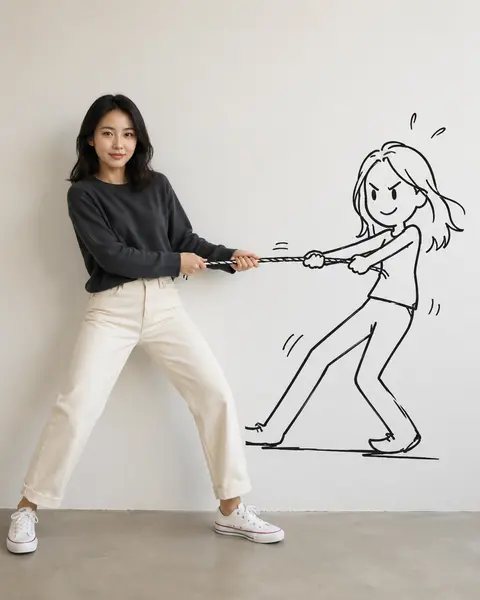
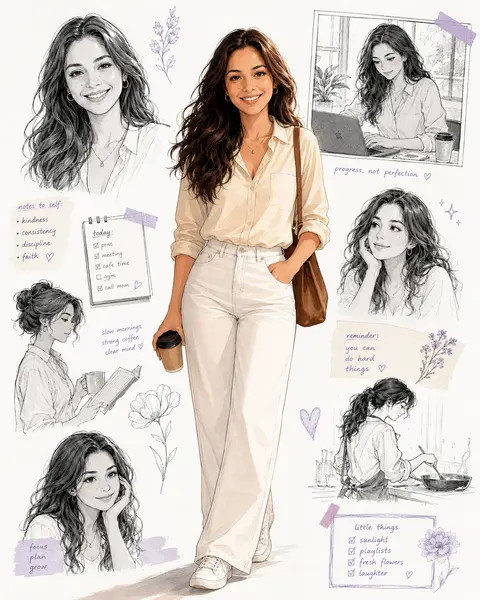
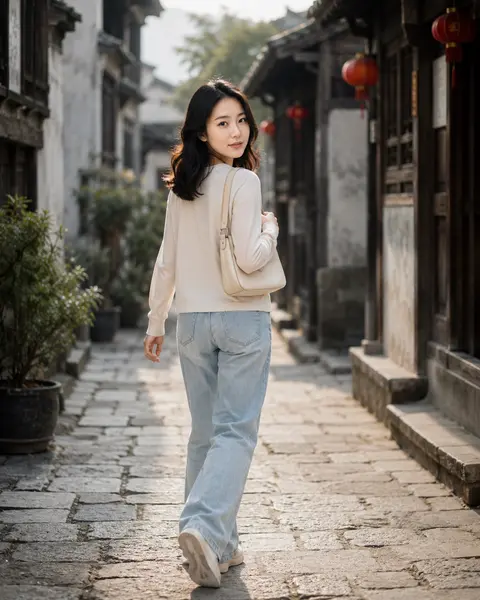
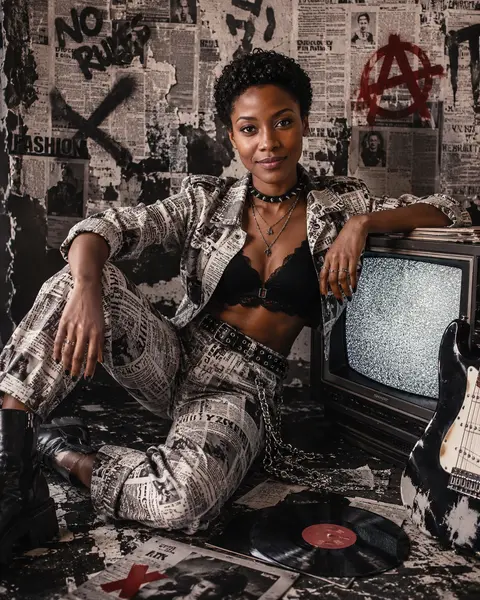

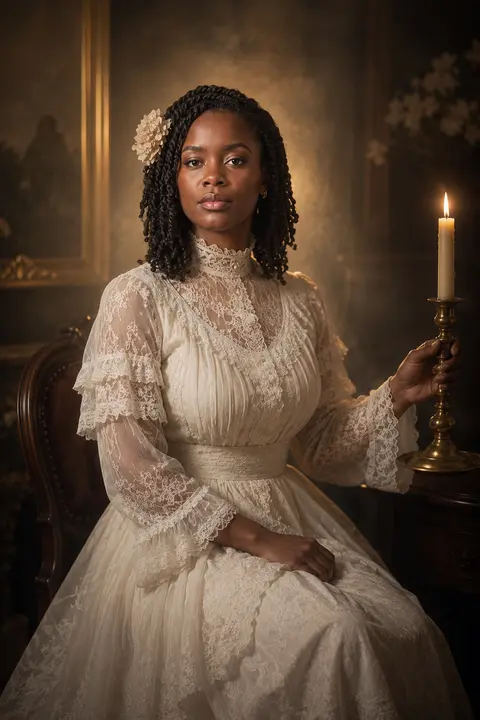
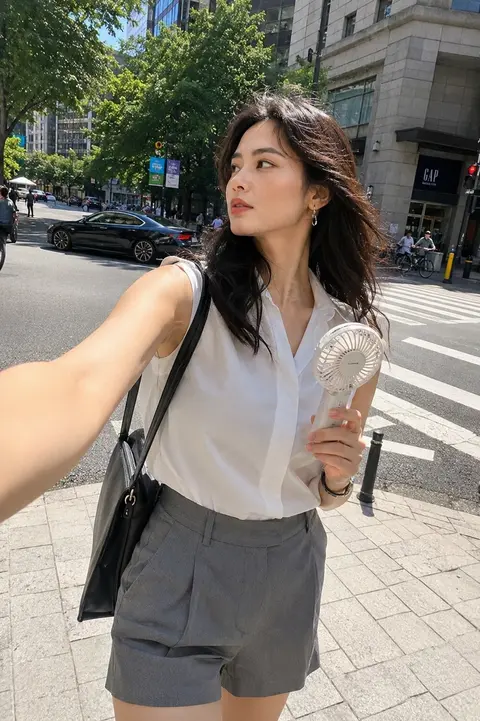
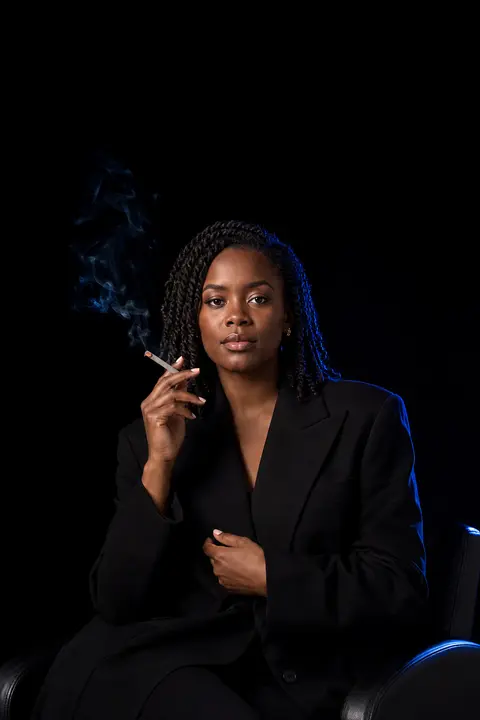

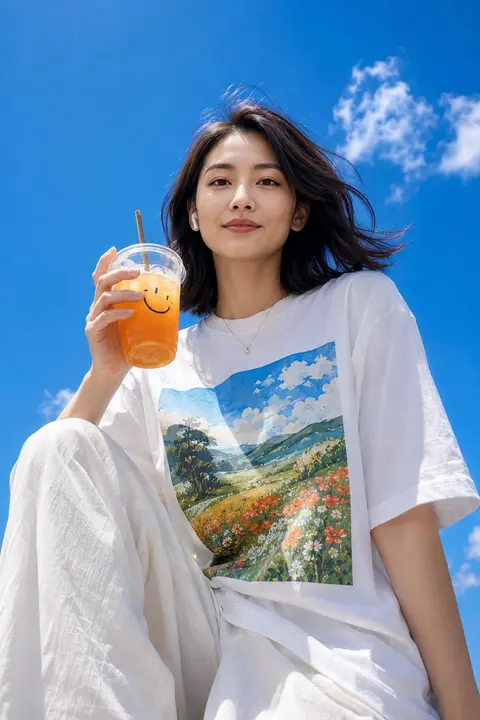



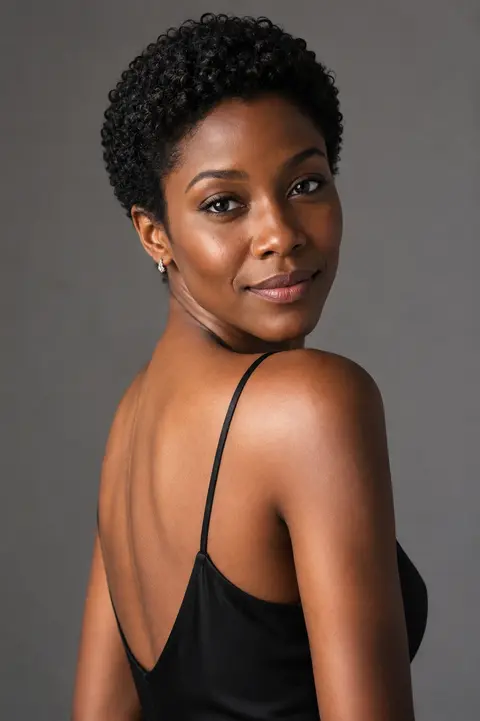





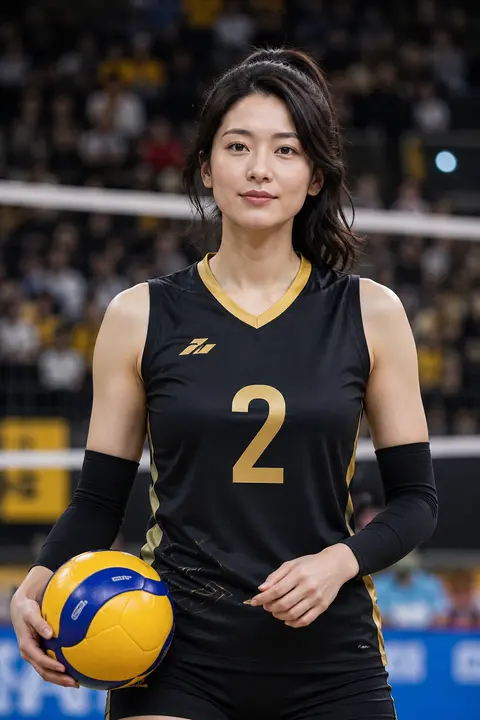

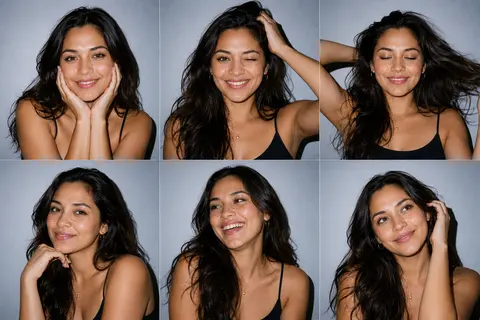
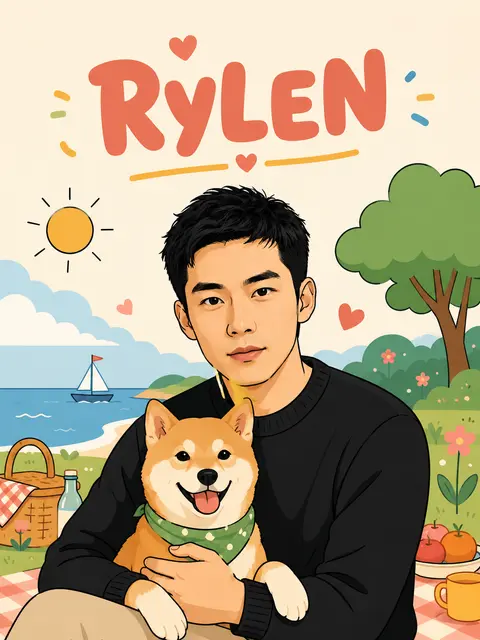
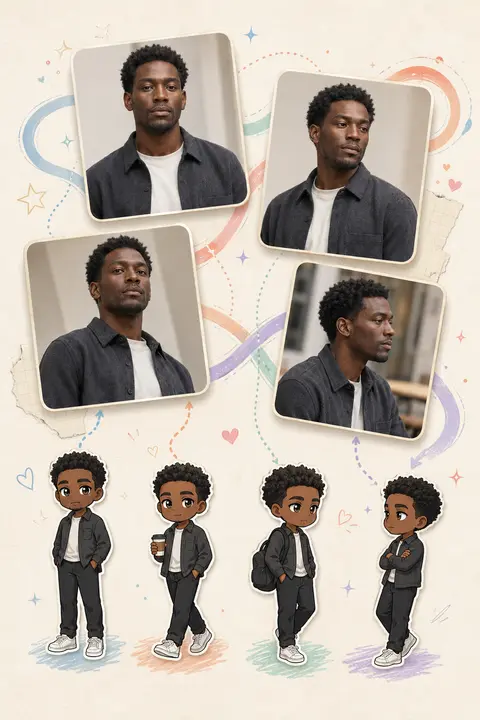
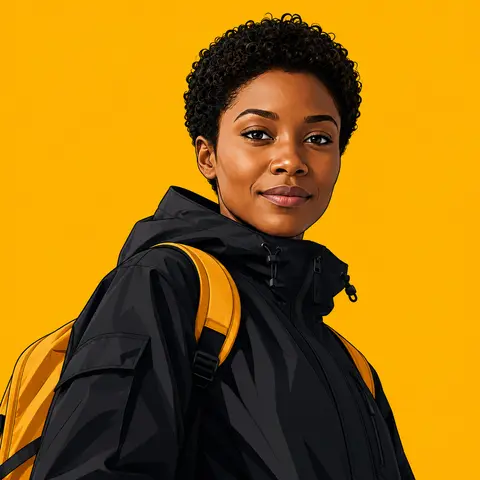

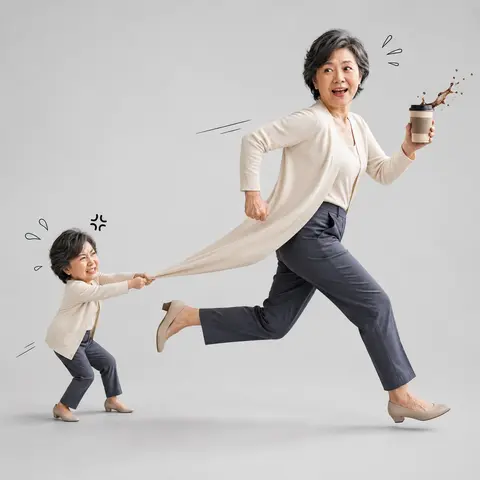
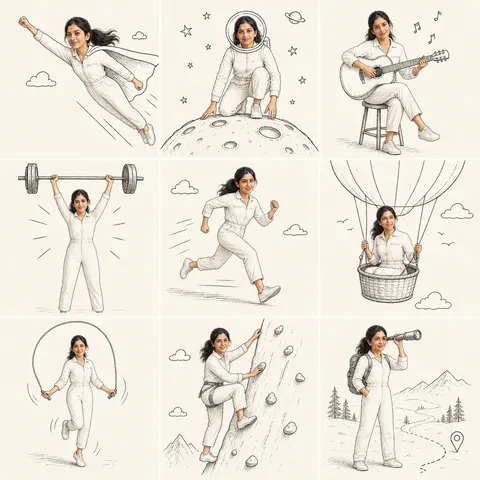
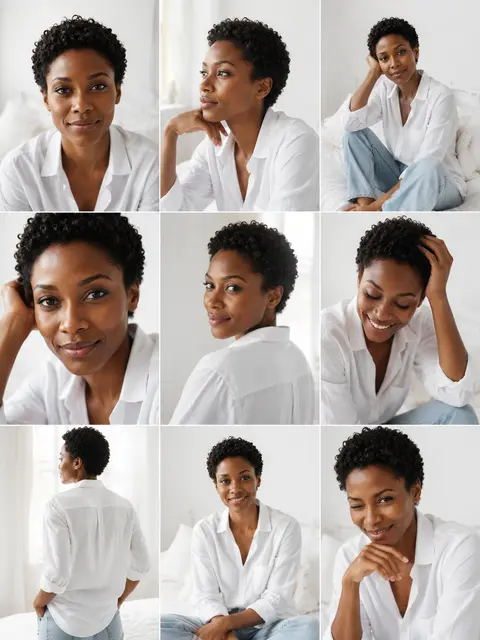
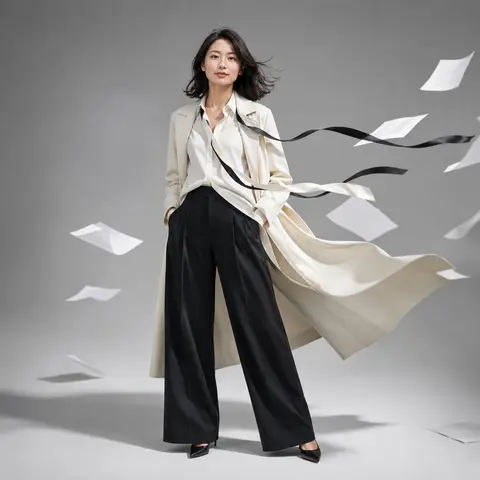




Choose a template
Match styles to your source image
A practical guide for browsing AI image styles by subject type, use case, mood, color, and generator page.
01Choose an AI image style
02Compare AI photo styles
03Check before generating
View tips
Choose a template
Match styles to your source image
A practical guide for browsing AI image styles by subject type, use case, mood, color, and generator page.
01
Choose an AI image style
02
Compare AI photo styles
03
Check before generating
01
How to browse this generator
AI image styles are organized for people who already have a source image and need to choose the right visual direction. The library is not a stock image gallery; every card opens a generator page with its own upload guidance, output expectations, and related templates.
The fastest route is to start with subject type and output shape. Portrait, ID photo, fashion, product, poster, travel, photo, film, illustration, character, and collage templates all preserve different details, so the library helps users compare the template family before spending credits.
The AI image style page must make the source-image contract clear. For the style library, that means checking whether the upload matches a source image that can be classified as a person, product, place, or mixed scene, whether its subject is large enough to read, and whether the result belongs to portrait, product, poster, travel, fashion, collage, and other image-to-image projects.
02
AI photo style library filters
The AI photo style library includes filters for style type, use case, mood, color, collection, and search. These filters match how creators actually evaluate a template: what the source image contains, what channel the output is for, and what visual mood the final image should communicate.
A user looking for an avatar can scan portrait and character templates, someone needing application-ready images can choose ID photo templates, while a merchant preparing a product page can focus on product poster templates. The page should support discovery without mixing unrelated filters into the user intent.
The expected result should be judged as a complete visual system: the category, mood, color, layout, and use-case signals shown on each template card. Someone looking for AI photo styles needs to understand how those traits affect subject scale, background treatment, texture, and layout, not just the surface color. Review the output at its intended publishing size because a detail that works in a large preview may disappear in a cover, listing, or social thumbnail.
03
What each template category is for
AI image styles cover portraits, ID photos, products, posters, travel, fashion, illustration, photography, and collage. Each category leads to templates with source-image guidance and a working generator.
Category labels and related-template links help visitors understand the difference between browsing the full library and opening one specific visual recipe.
People often arrive with a request such as “browse AI image styles for uploaded photos.” The practical workflow is: identify the source subject, filter by publishing goal, compare previews and guidance, then open the most relevant generator page. Keep the source and result side by side while reviewing. Compare the focal subject and composition, then inspect the protected details and intended crop. This separates a source-image problem from a style mismatch before another generation consumes credits.
04
How to compare template cards
When comparing an AI image style, the preview image is only the first signal. Users should also read the category, use cases, mood tags, and generator page notes. A beautiful preview is not enough if the template is meant for a different source image.
For product uploads, choose templates that protect object shape and commercial layout. For portraits, choose templates that preserve identity and pose. For travel images, choose templates that keep the location readable.
Input quality for AI image style library is determined by evidence, not file size alone. A clean silhouette, readable lighting, stable perspective, and separation from the background give the model stronger guidance than a larger file with blur or competing subjects. If the upload falls outside a source image that can be classified as a person, product, place, or mixed scene, expect more reinterpretation and less control over the details that matter.
05
Best uploads for a style library workflow
The AI photo style library works best when the upload has one clear subject, usable resolution, and a composition that matches the intended template. A clean source image helps the generator spend more effort on style and less effort guessing what the image contains.
Before opening a template, users should decide whether the source is mainly a person, product, place, or mixed scene. That decision makes the library filters more useful and reduces mismatched generations.
For the style library, a trustworthy result should preserve the subject details required by the selected category and publishing job. Decorative changes can be acceptable, but changes to those protected details require closer review. The right standard is not whether the output looks polished in isolation; it is whether the same person, object, place, or scene remains credible after the selected visual direction is applied.
06
How to explore similar templates
Related AI photo styles should connect by category and use case. A user viewing a fashion template may also want an editorial portrait style, while someone browsing product templates may want a product hero layout, campaign poster, concept ad, or object illustration style.
This related-template path makes the library easier to scan and gives every template page a clearer relationship to the rest of the product.
Compare the style library with a broad AI image generator or a neighboring style category by looking at source assumptions first. Two templates can share a mood while requiring different crops, subjects, or levels of structural preservation. A nearby style is the better choice when it solves the desired texture, layout, or channel directly; repeated attempts with a mismatched recipe rarely produce a more dependable publishing asset.
07
Style library FAQ
Reusable AI photo styles transform an uploaded image through a defined visual recipe. They are different from one-off prompts because each style carries an intended look, composition behavior, and subject assumption.
The right template depends on the image and the publishing job. Users should compare category, use case, mood, and output examples before generating.
The main boundary for the style library is that a visually attractive card may still be a poor match for the actual upload or intended output format. Highly stylized output may be excellent for concept work but unsuitable for identity-sensitive, product-accurate, or documentary use. Decide in advance which changes are welcome and which details are non-negotiable, then regenerate or switch templates when the result crosses that boundary.
08
Library checklist before opening a generator
Before choosing an AI image style, check the subject type, intended channel, acceptable level of reinterpretation, and whether the preview matches the image you actually plan to upload. Compare nearby AI photo styles when the first option has the right subject fit but the wrong publishing mood.
Before downloading from the style library, check the focal point, crop, output dimensions, and the details needed for portrait, product, poster, travel, fashion, collage, and other image-to-image projects. Confirm that the same core subject remains clear at publishing size. That review turns a visually pleasing generation into a usable asset rather than an isolated experiment.